


To add new sender addresses, select the “VALIDATED SENDERS” from the “SETTINGS” page, then click “ADD A NEW SENDER”.
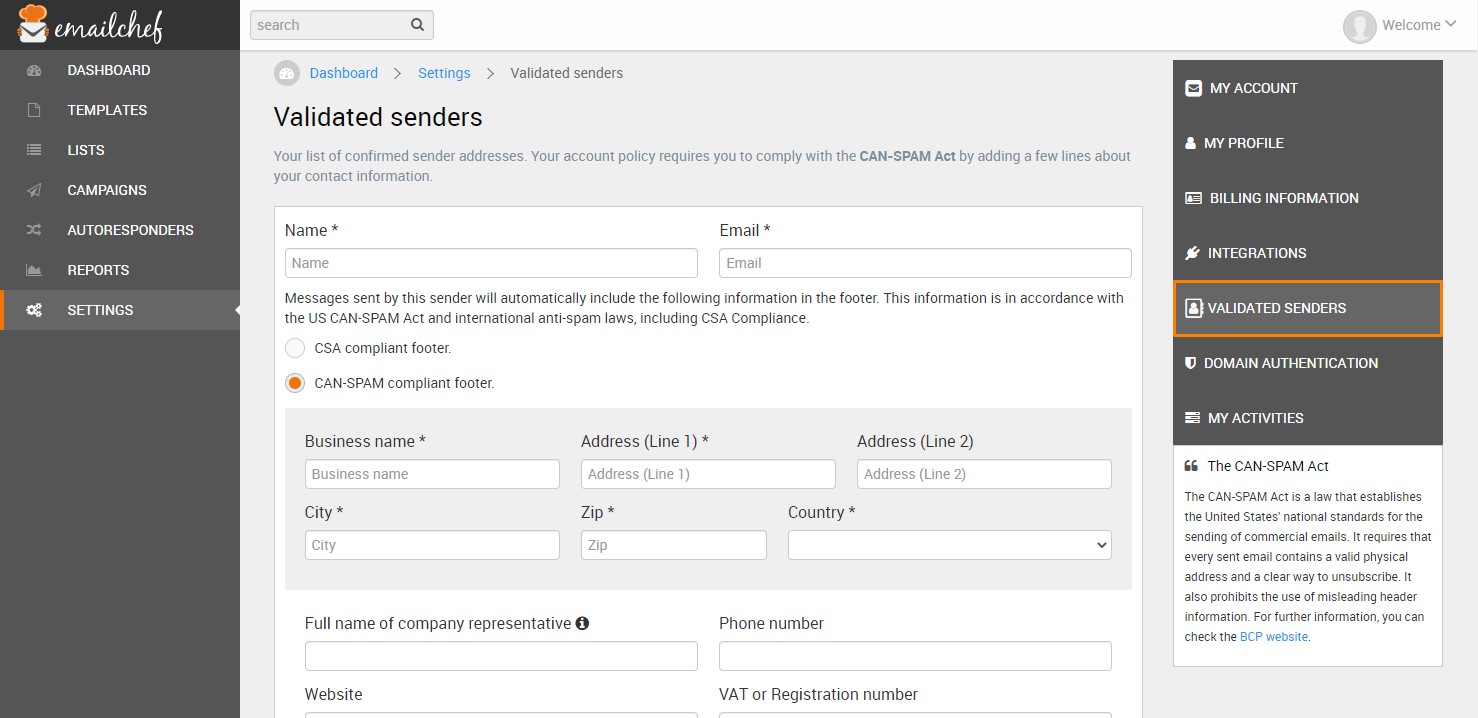
You can only set a single default sender address, but you can change the default every time you create a new campaign.
You must authenticate each new sender.
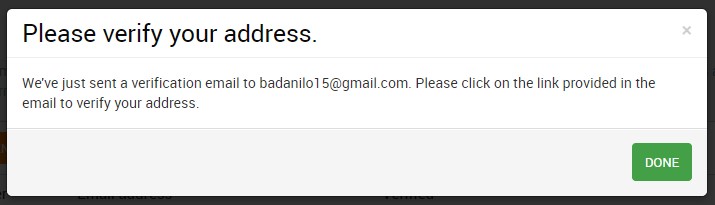
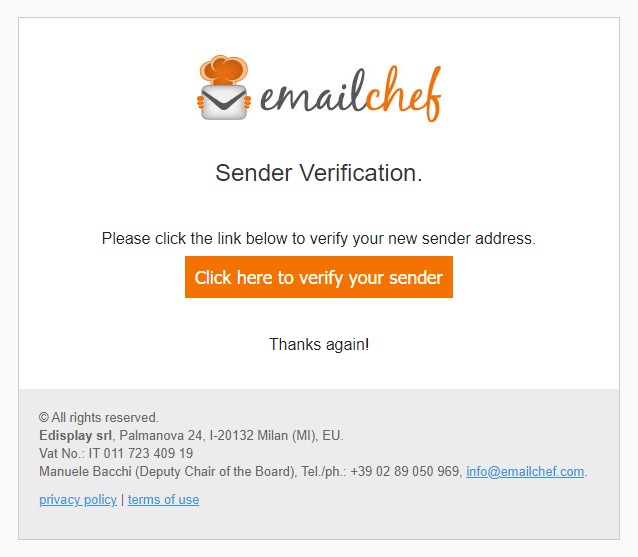
To authenticate a sender, click the link in the confirmation email that we will send to the email address you’ve entered.
For more informations on validating a sender, watch the following video tutorial: